Live Photo Wall
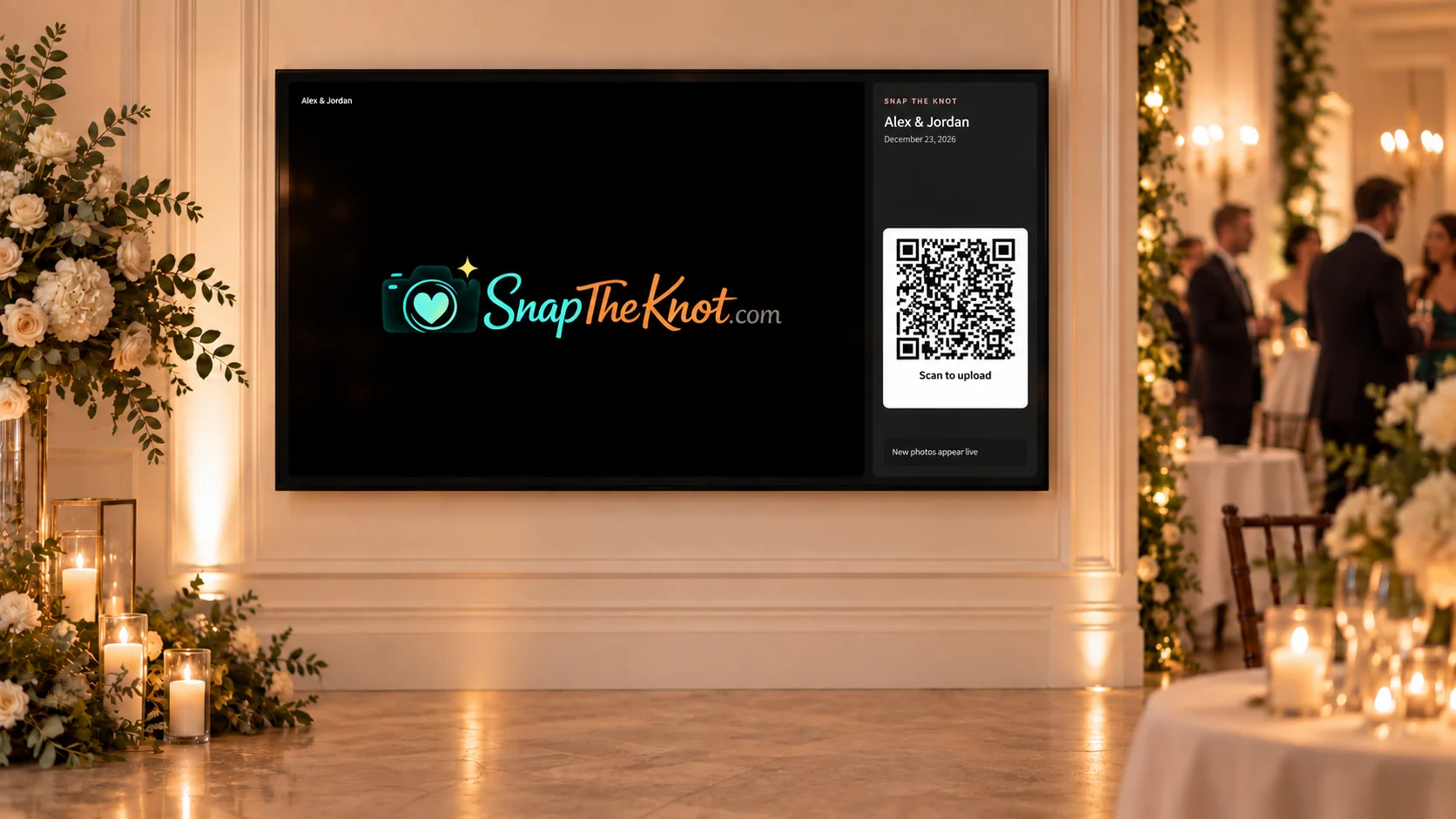
Open your photo wall on a TV, projector, or laptop and let new guest uploads appear during the reception without refreshing the screen.
Included in Photos + Videos and the complete package.
Wedding QR code features
Collect wedding photos and videos with one QR code. Guests scan and upload straight from their phone. No app or guest account needed.
Create a test gallery and upload up to 5 photos before purchasing.

Alex & Jamie
Our day, through your eyes.
Share your favorite moments with us!
Share your photos
Choose photos from your phone
Easy for your guests
From the first toast to the last dance, give everyone a simple way to share their wedding photos in one place.
Download your code and print-ready signs for tables, invitations, or your welcome display. Find inspiration in our wedding QR code ideas.
The QR code opens your guest page in their phone browser. Guests choose photos and can add their name so you know who shared each moment.
Uploads arrive in your private wedding gallery. Collect videos too with a plan that includes video uploads.
Make it yours
Welcome guests with your couple photo, your own words, and a style you love. Preview as you edit, then save when you’re ready. The defaults are ready to use, too.
Customization is free in every plan, even your free test gallery.
Add a couple photo, a heading, and a personal message.
Choose a theme, heading style, and photo layout.
Set upload buttons and instructions to English, French, German, or Spanish. Your custom message stays as you wrote it.
Every celebration, organized
Give your engagement party, bridal shower, bachelorette party, or rehearsal dinner its own gallery and QR code. Keep those memories separate from wedding-day uploads, all under your account.
You control your private galleries. Review uploads, select photos in groups, and delete anything you don’t want to keep.
Our celebrations
One accountEngagement party
Separate gallery & upload code
Rehearsal dinner
Separate gallery & upload code
Wedding day
Separate gallery & upload code
Enjoy them together
Open your photo wall on a TV, projector, or laptop and let new guest uploads appear during the reception without refreshing the screen.
Included in Photos + Videos and the complete package.
Invite friends and family by email or share a read-only gallery link. They can view and download memories without editing your collection.
Use a reference selfie to find photos that appear to include that person, gathered into a private gallery with face matching.
Guests can also leave private text and voice messages for the couple from the same page.
Optional automated photo moderation
Enable AI photo safety checks in Setup to screen new guest photos for nudity, violence, and other potentially inappropriate content using OpenAI. Photos that pass need no action. Guests keep uploading as usual.
Flagged photos stay visible to you with a “Flagged — review” button, but are hidden from shared galleries and the Live Photo Wall until you approve them.
Approve a photo to allow sharing and the live wall, or deny it to move it to Trash. The original file is retained for potential recovery. Photos without flags show no review badge.
Off by default, with one setting for your wedding and event galleries. Checks apply to new photos, not videos. We do not use photos submitted for these checks to train AI models.
When moderation is enabled, the Live Photo Wall waits for a clear result or your approval. Pending, failed, or unavailable checks stay off the wall. Automated checks can make mistakes. Turning moderation off stops future checks; previously flagged photos still need your review.
How photo safety checks use your imagesLong after the last dance
Save individual photos or download them in groups. Paid gallery access starts as soon as you upgrade and lasts until one year after your wedding date. The year is counted from your wedding date, not your purchase date. Start collecting engagement party, shower, and rehearsal dinner memories early.
Turn up to 40 guest moments into a shareable vertical recap. Choose a Romantic or Party mood and relive the day in a new way.
Included in every paid plan. Video moments require a video plan.
Order premium 5×7 photo prints from your gallery, or pre-made QR signs for your celebration.
Sold separately, or get 10 prints and 10 signs with the complete package. Free U.S. shipping.
Add your photo, make it yours, and try uploading a few memories. Your free test gallery includes up to 5 photos.
Create your free test gallery